
luch manual
v 1.0.1
a short guide for installing luch, finding the samples, and understanding the main controls.
install
- download the installer and the sample library.
- run the installer.*
- unpack the sample library and keep the sample folder in a stable place.
- open your daw and rescan plugins if luch does not appear.
- open luch and select the sample folder when asked.
- reload the plugin or restart the project after changing the sample folder.
*the windows installer is unsigned, so if smartscreen blocks it, click [more info] and then [run anyway].
do not place the samples inside applications, library, system, or a plugin folder. if you move or rename the sample folder, luch may ask for it again.
what luch is
luch is built from a soviet-era children’s metallophone, sampled note by note through two vintage oktava microphones. the clean source has two main sides: ring, the open sustained note, and mute, the damped note.
each side can stay clean, pass through the aged sound of an mn-61 wire recorder, or switch to loose rhythm takes recorded from the same instrument. it can be played as a small metallophone, or pushed into slow, unstable textures.
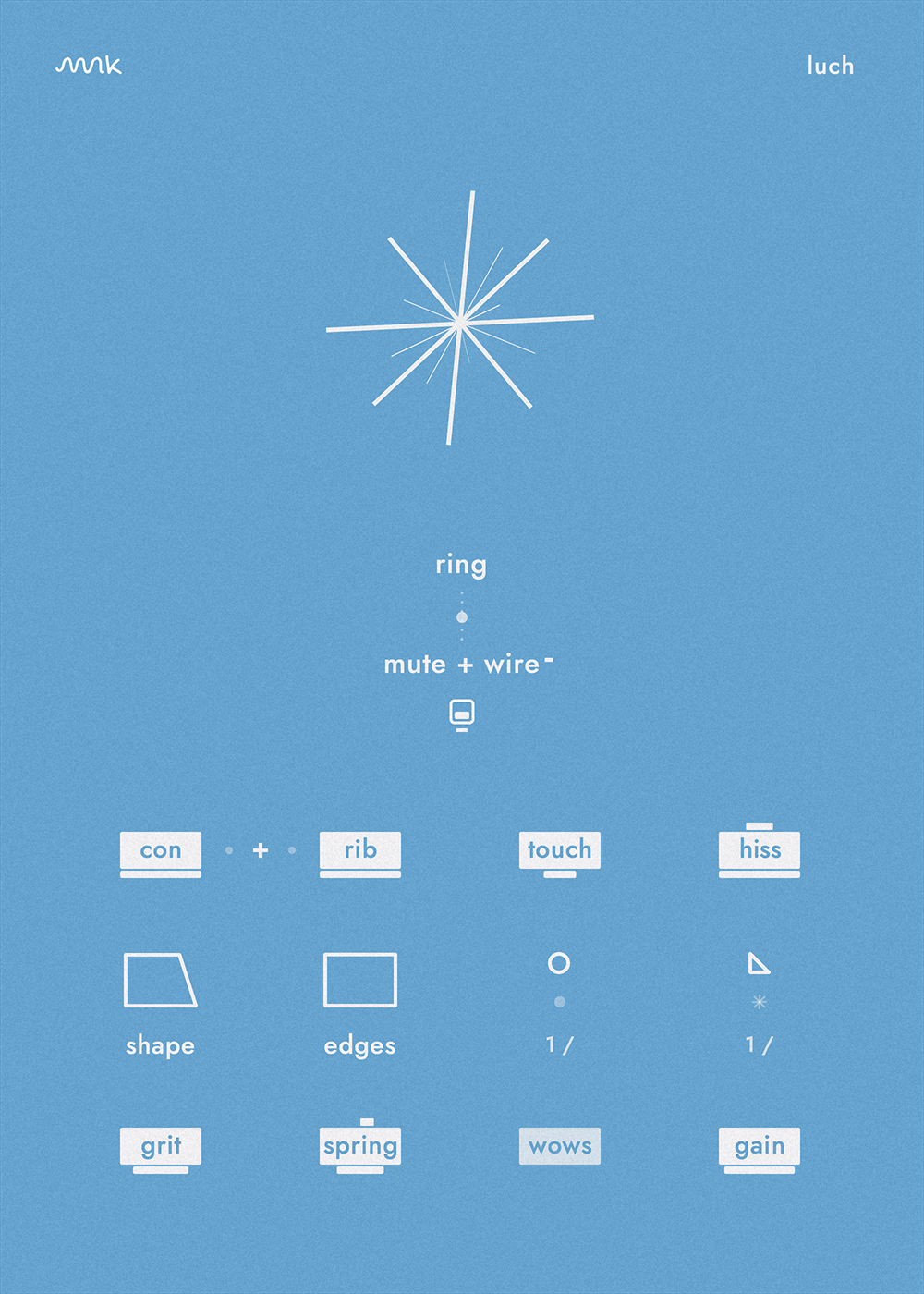
source and texture
the small slider between mute and ring blends the two selected source sides. the switch below the names can drop one side by an octave, which is useful for quickly changing the weight of a patch.
the ray-shaped control in the center blends the acoustic source into its paired synth texture. the left lfo can move the mute/ring blend. the right lfo can move the texture blend.
the texture layers come from ritm-2 and elektronika em-04. some are steady, some drift and change while held, so a single note can become a small moving scene.
microphones
con is the oktava mk-13m condenser in the center. rib is the oktava ml-16 ribbon side signal. choose either mic for a centered image, or use the middle position for a wider mid-side image.
lower controls
- touch adds soft mallet hits on a taped plate.
- noise adds uneven clock ticks, wire hiss, or wire crack.
- shape changes attack and release.
- edges trims lows and highs. click the label to switch into octave-filter mode.
- grit adds saturation.
- space selects echo or reverb impulses and sets the amount.
- wow adds subtle pitch drift.
- gain sets the output level.
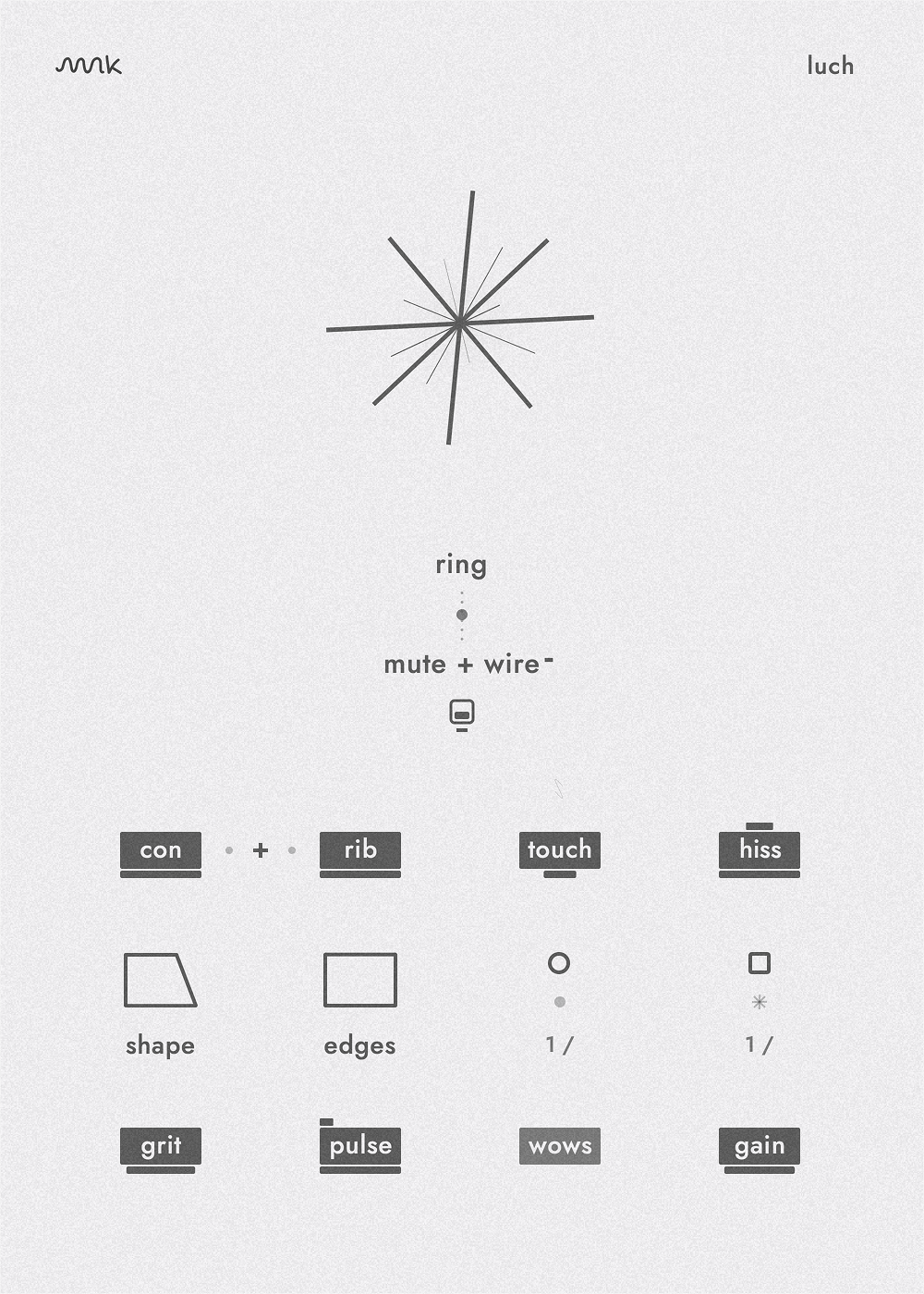
settings and presets
click the luch title to open the preset browser. click the logo area to open settings, change the interface theme, toggle film grain or tips, and choose a new sample folder.
quick fixes
luch does not appear in the daw. restart the daw, run a plugin rescan, and make sure the daw supports au or vst3 instruments.
samples are missing. open settings from the logo area, choose the sample folder again, then reload luch or restart the project.
something still feels wrong. write to hello@molokoinstruments.com.
requirements
- macos 11 or newer on apple silicon or intel
- windows 10 or newer (64-bit)
- 64-bit daw that loads au or vst3 instruments
- 2.5 gb unpacked
- additional sampler not required